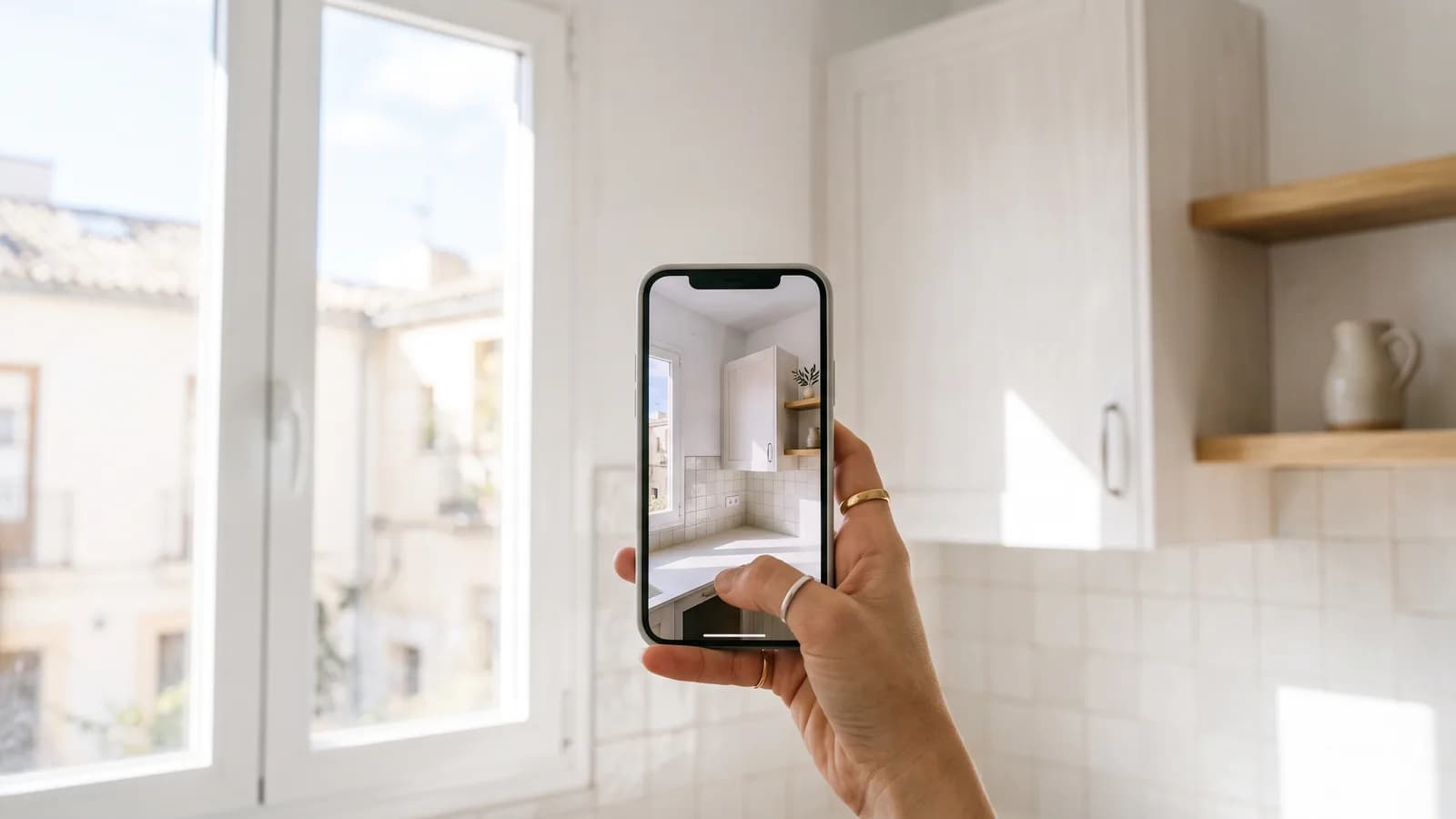
One photo in the enquiry saves three questions and half a site visit
A photo replaces the questions customers cannot answer: the real state of the space, the type of installation, access, rough size. Ask for it as an optional step at the end of the quiz, right before contact details, with a one-line reason («so we can price it properly without coming out to look»). Never put it first or make it mandatory — that is the single biggest source of abandonment. And treat it as personal data: store it with the lead, show it only to whoever needs it, delete it with the lead.
A customer writes «I need my bathroom redone». You need to know ten things they cannot explain: whether the tiles run to the ceiling, whether the waste pipe is where it should be, whether that shower screen is from 2003 or from yesterday, whether a walk-in tray will even fit. You can ask ten questions. Or you can ask for a photo.
What does a photo solve that a question does not?
Questions give you what the customer believes. The photo gives you what is there. In property services that difference converts straight into money:
- You quote with a smaller error margin, so you win jobs you used to lose by padding the price «just in case».
- You reject misfits sooner: if the photo shows an installation you do not work on, that lead never costs you a visit.
- You cut later arguments: whatever is visible in the photo is no longer a mid-job surprise.
- In many cases you skip the survey visit entirely, or shrink it to a twenty-minute confirmation.
Where to put the request
At the end, never at the start. A photo asks more effort than answering «between 50 and 100 square metres»: open the camera, walk to the room, frame the shot. Someone who has already answered four questions will do it; someone who just landed will not.
And always optional. A mandatory photo field on a phone with a low battery and worse signal is an exit — the same mechanism we described in the leads you lose before the submit button. The curious part is that once it is optional, plenty of people upload anyway: the asking was never the problem, the obligation was.
How to ask so that they actually upload
- Give the reason in one line: «so we can quote accurately without coming out to look».
- Say what you want to see: «one general shot of the bathroom, standing in the doorway». People upload useless photos when nobody told them what was expected.
- Accept a single photo. «Upload three to five images» turns a gesture into a chore.
- Make it clear they can continue without it. Less friction — and, oddly, a higher share who end up uploading.
What you have to get right behind the scenes
A photo of somebody's living room is personal data, and sometimes quite revealing. Three minimum rules that cost you nothing:
- Store it with the lead, not in a loose folder, and delete it when you delete the lead.
- Only the person quoting should see it — do not forward it into team WhatsApp groups.
- Mention it in your privacy notice alongside the other data the form collects. Details in GDPR in quiz forms.
A side effect we did not expect
People who upload a photo are more invested. They spent an extra thirty seconds explaining their problem, and when you call you are no longer one of «the five I asked for quotes» — you are talking to someone who made a small effort for you. It is not magic, it is reciprocity, and you can hear it in the tone of the call.
How it works in Quizanta
The photo step is just another field type: the visitor uploads from their phone, the file is stored with the lead and shows up in the lead card next to the answers. We verify that it really is an image — a filename ending in .jpg is not enough — there is a size limit, and the file lives outside the deployment folders so it does not vanish with the next update. Making it optional is one click, which is exactly how we recommend using it.